How to connect a Tuning Fork Level Sensor to a PLC?
Leave a message

As a reputable supplier of Tuning Fork Level Sensors, I often receive inquiries from customers on how to connect these sensors to a Programmable Logic Controller (PLC). In this blog post, I'll provide a comprehensive guide on the process, covering everything from understanding the basics to troubleshooting common issues.
Understanding Tuning Fork Level Sensors
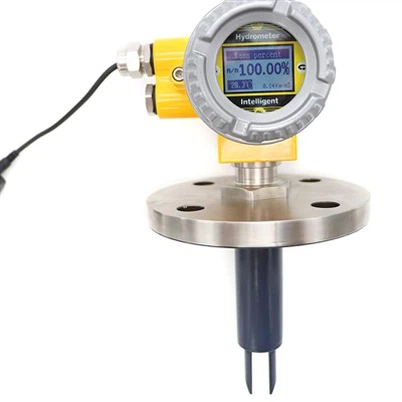
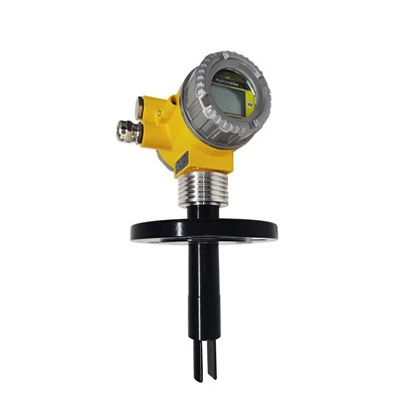
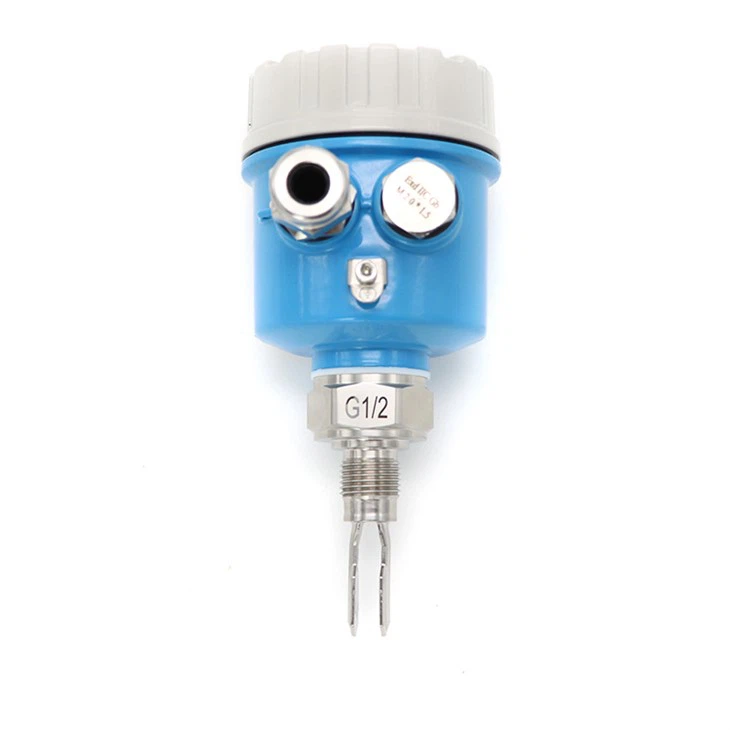
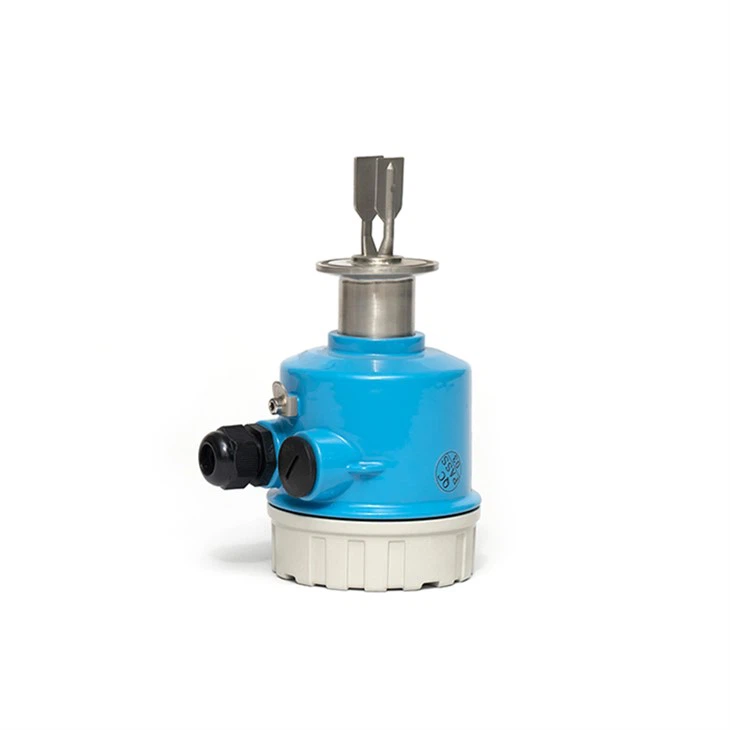
Tuning fork level sensors are widely used in various industries for detecting the level of liquids, solids, and powders. They operate on the principle of vibration. When the fork comes into contact with the material, the vibration frequency changes, which is then detected and converted into an electrical signal.
There are different types of tuning fork level sensors available, such as DPDT output tuning fork level switch, Non standard customized length liquid level switch, and Fork type level switch. Each type has its own unique features and applications, so it's important to choose the right one for your specific needs.
Why Connect to a PLC?
A PLC is a digital computer used for automation of industrial processes. By connecting a tuning fork level sensor to a PLC, you can integrate the sensor's data into your overall control system. This allows for real-time monitoring, control, and automation of your processes. For example, you can set up alarms when the level reaches a certain point, or automate the filling or emptying of a tank based on the level detected by the sensor.
Prerequisites
Before you start connecting the tuning fork level sensor to the PLC, there are a few things you need to do:
- Select the Right Sensor: Choose a tuning fork level sensor that is suitable for your application. Consider factors such as the type of material you are measuring, the temperature and pressure of the environment, and the required accuracy.
- Understand the PLC: Familiarize yourself with the PLC you are using. Know its input/output (I/O) configuration, programming language, and communication protocols.
- Gather the Necessary Tools: You will need tools such as a screwdriver, wire strippers, and a multimeter for testing the connections.
Step-by-Step Connection Process
Step 1: Mount the Sensor
First, mount the tuning fork level sensor in the desired location. Make sure it is installed correctly and securely. The sensor should be positioned in such a way that the fork is in contact with the material whose level you want to measure.
Step 2: Check the Sensor Output
Before connecting the sensor to the PLC, check the sensor's output signal. Most tuning fork level sensors provide a digital output (either a contact closure or a voltage signal). Use a multimeter to verify the output signal and ensure that it is within the specified range.
Step 3: Identify the PLC Inputs
Determine which inputs on the PLC will be used to receive the sensor's signal. PLCs typically have different types of inputs, such as digital inputs (DI) and analog inputs (AI). Since tuning fork level sensors usually provide a digital output, you will need to use a digital input on the PLC.
Step 4: Connect the Wires
Connect the wires from the sensor to the appropriate inputs on the PLC. Follow the wiring diagram provided by the sensor and PLC manufacturers. Make sure to use the correct wire gauge and insulation for the application. Here is a general wiring example:
- Connect the positive (+) terminal of the sensor to the positive (+) terminal of the PLC's power supply.
- Connect the negative (-) terminal of the sensor to the common (COM) terminal of the PLC's digital input.
- Connect the output signal wire from the sensor to the digital input terminal on the PLC.
Step 5: Configure the PLC
Once the physical connections are made, you need to configure the PLC to recognize the sensor's input. This involves setting up the input parameters, such as the input type (sinking or sourcing), the input address, and the signal level. Refer to the PLC's programming manual for detailed instructions on how to configure the inputs.
Step 6: Test the Connection
After configuring the PLC, test the connection to ensure that the sensor is communicating with the PLC correctly. Fill or empty the tank slowly and observe the PLC's input status. The input status should change as the level of the material reaches the sensor's fork.
Troubleshooting Common Issues
If you encounter any problems during the connection process or while the system is operating, here are some common issues and their solutions:
- No Signal: Check the power supply to the sensor and the PLC. Make sure the wires are properly connected and there are no loose connections. Use a multimeter to test the voltage at the sensor's terminals.
- Incorrect Reading: Verify that the sensor is installed correctly and that the fork is in contact with the material. Check the sensor's calibration and make sure it is set up for the correct type of material.
- PLC Not Recognizing the Input: Double-check the PLC's input configuration. Make sure the input type and address are set correctly. Check the programming logic to ensure that it is designed to read the sensor's input.
Best Practices
- Use Proper Grounding: Ensure that both the sensor and the PLC are properly grounded to prevent electrical interference and ensure reliable operation.
- Label the Wires: Label the wires during the connection process to make it easier to troubleshoot and maintain the system in the future.
- Follow Safety Procedures: When working with electrical equipment, always follow safety procedures to avoid electrical shock and other hazards.
Conclusion
Connecting a tuning fork level sensor to a PLC is a relatively straightforward process if you follow the steps outlined in this guide. By integrating the sensor's data into your PLC, you can enhance the efficiency and reliability of your industrial processes. If you have any questions or need further assistance, please feel free to contact us for more information. We are here to help you choose the right sensor and ensure a successful installation.
References
- Manufacturer's documentation for the tuning fork level sensor
- Manufacturer's programming manual for the PLC